Feature Guide

Unix Timestamp & Epoch Converter

Your ultimate POSIX Timestamp utility. Maximize your productivity with specialized conversion and tracking tools for modern developers.

01

How do I convert Unix Epoch Time to Human Readable format?

Our Precision Date Converter seamlessly bridges the gap between raw Unix timestamps and human-readable dates. Whether you are debugging logs or planning deployments, convert between GMT/UTC and local timezones with absolute accuracy.

  • Bidirectional: Convert from Timestamp to Date or Date to Timestamp.
  • Timezone Aware: View results in both GMT/UTC and your Local time.
  • Format Support: Handles standard ISO and human-readable inputs.
Interactive Tool

Date Converter

UTC
Year
-
Month
-
Day
Hour
:
Min
:
Sec
Date Converter Illustration
02

How can I track multiple POSIX Timestamps across global timezones?

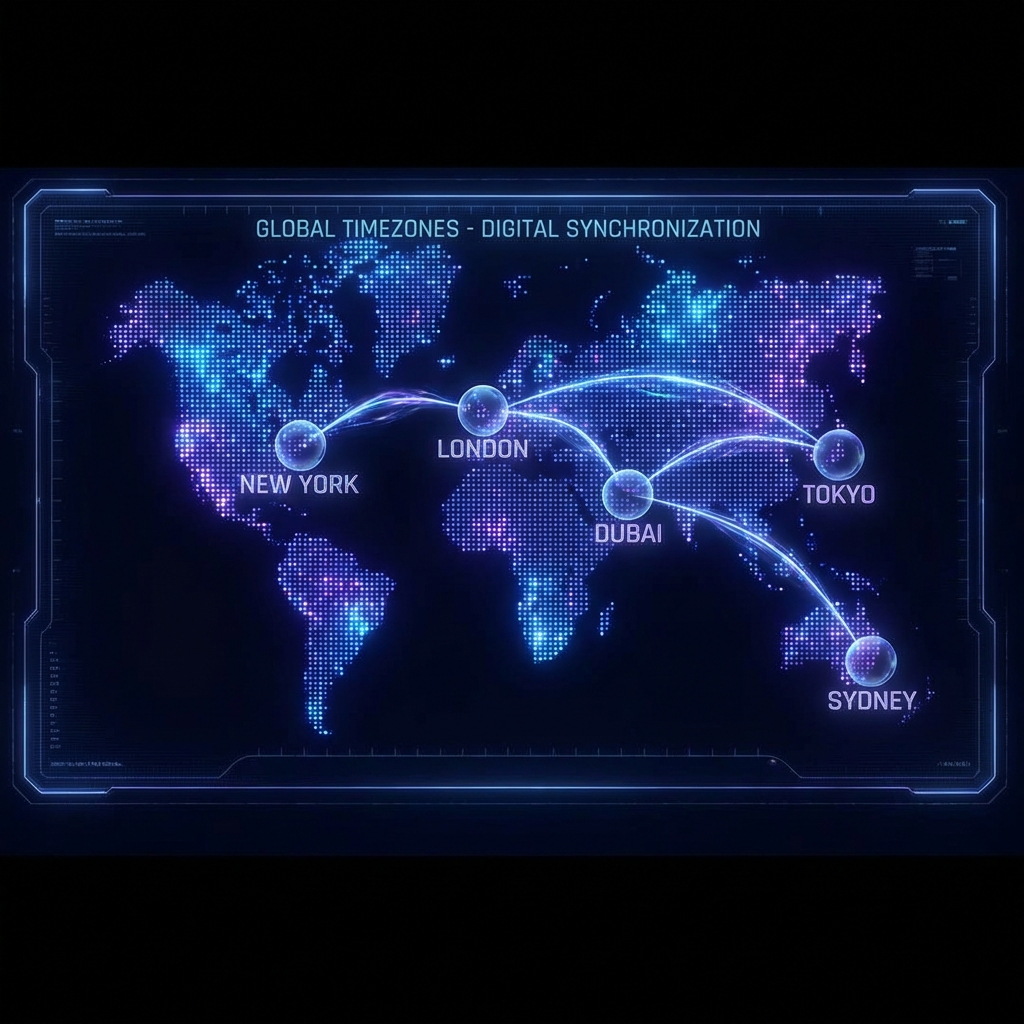
The Global Horizon World Clock is your command center for international synchronization. Monitor major global timezones in real-time with a sleek, responsive interface designed for distributed teams and global developers.

  • Smart Distribution: Key cities across all continents.
  • Sync Engine: All clocks are synchronized with the central server time.
  • Modern Grid: Elegant, responsive layout for any device.
Global Status

World Clock

To change edit World Clock Section
World Clock Illustration
03

What is the best way to convert Unix Time to Delphi TDateTime?

The Delphi TDateTime converter is a specialized tool for developers working with Borland, Delphi, or C++ Builder legacy systems. It translates standard Unix timestamps into the TDateTime double-precision floating-point format.

  • Double Precision: Accurate conversion to Delphi's floating-point date representation.
  • Custom Epoch: Configurable base date (default 1899-12-30) for legacy compatibility.
  • Legacy Support: Essential for migrating or integrating with older Windows-based systems.
Legacy Tool

Delphi TDateTime

Borland / Delphi / C++ Builder
Days since 1899-12-30 12:00:00
Delphi Converter Illustration

The Origins of the Unix Epoch

The story of Unix time began in the late 1960s at Bell Labs. When Ken Thompson and Dennis Ritchie were designing the Unix operating system, they needed a simple, efficient way to represent time. They decided on a system that counts seconds from a specific point in time: January 1, 1970, at 00:00:00 UTC.

This point in time is known as the Unix Epoch. It was chosen somewhat arbitrarily but has since become the bedrock of global computing. Every file creation, system log, and network packet today carries a legacy born from those early days of mainframe computing.

The Year 2038 Problem (Y2K38)

Just as the world braced for Y2K, a new chronological challenge looms: the Year 2038 problem. Many older systems store Unix time as a signed 32-bit integer. The maximum value for such an integer is 2,147,483,647.

On January 19, 2038, at 03:14:07 UTC, 32-bit systems will overflow and wrap around to a negative number, effectively "resetting" time to 1901. Modern 64-bit systems have already solved this, pushing the "end of time" billions of years into the future.

What is Unix Time and why is it essential?

Unix time (also known as Epoch time, POSIX time, or Unix timestamp) is a universal system for describing a point in time. It is defined as the number of seconds that have elapsed since the Unix Epoch (00:00:00 UTC on 1 January 1970), excluding leap seconds. This standardized format is fundamental in computing and software engineering.

For modern developers, mastering Unix timestamps is crucial for a variety of critical use cases. In log analysis, timestamps provide the exact sequence of events across distributed systems, allowing engineers to reconstruct complex failures. When debugging APIs, receiving a raw integer instead of a formatted string simplifies data transfer and eliminates timezone ambiguity between the client and server.

Furthermore, POSIX timestamps are the backbone of database indexing for time-series data, authentication tokens (like JWT expiration), and resource scheduling in cloud environments. From Kubernetes hpa triggers to serverless function timeouts, epoch time ensures that scheduled tasks execute precisely when intended. By using a single integer, systems can perform lightning-fast comparisons and calculations without the overhead of specialized date-time libraries or complex string parsing. Whether you are managing distributed databases, analyzing IoT telemetry, or writing simple automation scripts, our Epoch Time Converter provides the precision you need for reliable system integration.

Is Unix Time a Universal Standard?

Yes, it's the primary time representation across Unix-like operating systems, cloud providers, and data formats, ensuring cross-platform compatibility.

How does POSIX Time improve Efficiency & Speed?

Represented as a single integer, it enables high-performance computing, sorting, and storage efficiency without the overhead of localized date strings.

Why is Epoch Time Logic Deterministic?

It is always based on UTC, removing the "timezone trap" and ensuring consistent, predictable logic across global server deployments and client apps.

How to convert Unix Time in your Code

Quickly implement timestamp conversions in your favorite programming languages with these copy-pasteable snippets.

JavaScript
// Current Seconds
Math.floor(Date.now() / 1000);

// Seconds to Date
new Date(timestamp * 1000);
Python
import time
from datetime import datetime

# Current Seconds
int(time.time())

# Seconds to Date
datetime.fromtimestamp(ts)
Go
import "time"

// Current Seconds
time.Now().Unix()

// Seconds to Date
time.Unix(ts, 0)

Common Unix Epoch References

A quick-reference guide for standard time markers in the POSIX timeline.

Event Marker Unix Timestamp
Unix Epoch 0
Start of 2000 (Y2K) 946684800
1 Billion Seconds 1000000000
Start of 2026 1767225600
Year 2038 Overflow 2147483647

Ready to convert timestamps?

Access our suite of precision tools for developers.

Open Converter Tools
Open Tools